
February 2026 Updates: Smarter Redaction, Easier Search, and Faster Exports
February Updates: Smarter Redaction, Easier Search, and Faster Exports
This month's updates focus on making everyday tasks faster and less repetitive. Whether you're protecting sensitive information, training models, or managing large annotation projects, these improvements should save you time and reduce friction.
Better PII Redaction for Row Project: Replace Text with Entity Labels
When redacting sensitive information, you can now replace detected text with its entity type (like [EMAIL] or [PHONE_NUMBER]) instead of generic asterisks. This keeps your redacted documents readable and preserves context, making it easier to review or analyze data while still protecting privacy.
.png)
Hugging Face Integration: Deploy Models After Training
After running Datasaur Dinamic, you can now automatically set up a dedicated inference endpoint on Hugging Face. This means your newly trained model is ready to use right away, without manual deployment steps, helping you move from training to production faster.
Redesigned Search for Span Labeling: More Intuitive Navigation and Bulk Actions
The Search extension has been redesigned to provide a more intuitive experience when finding and labeling data. The updated flow makes it easier to set up search conditions, review results, and apply labels in bulk, with a cleaner and more structured interface.
.png)
Navigate Long Guidelines with Anchor Links
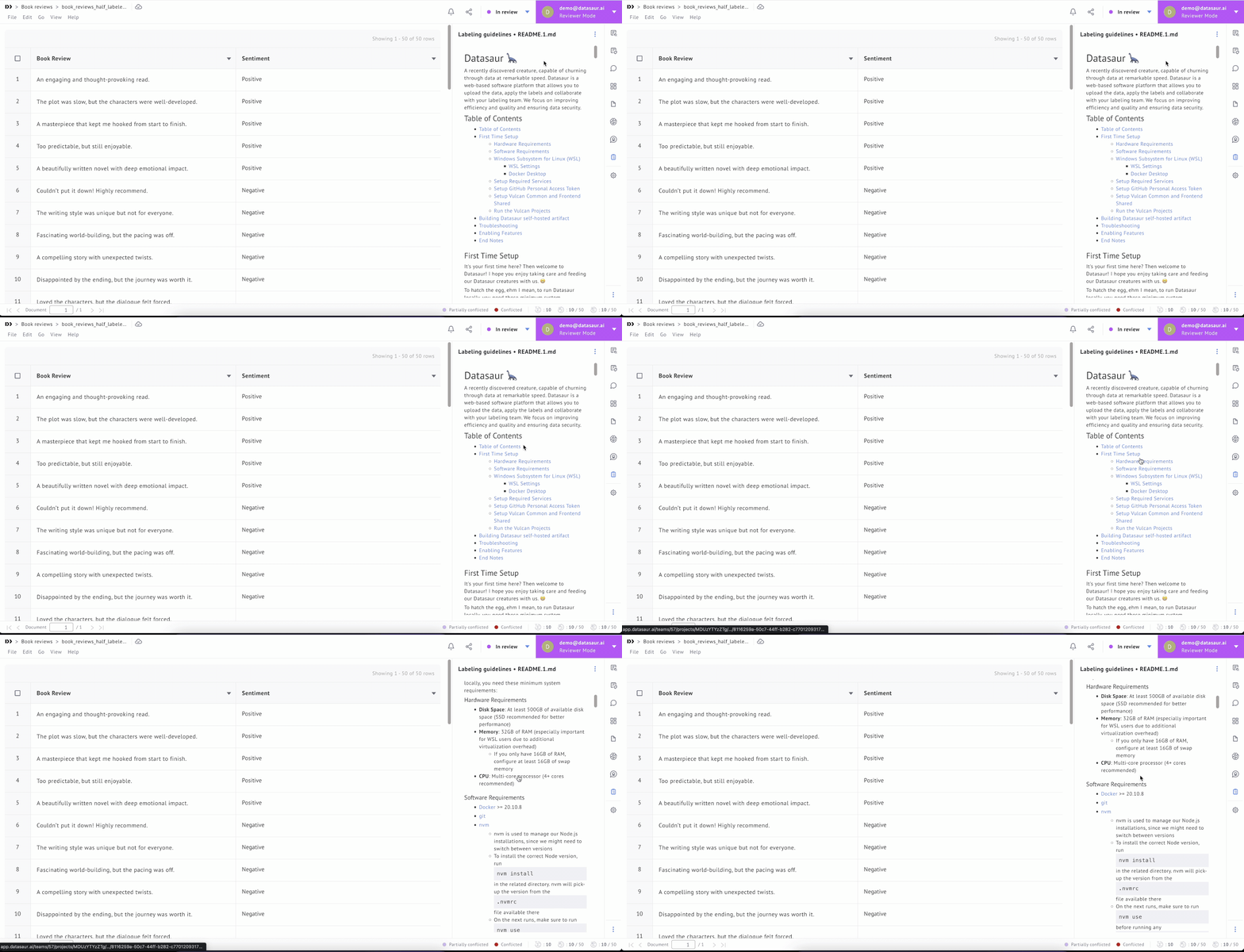
The Labeling guidelines extension now supports anchor links, so you can add a table of contents to your markdown files and jump directly to specific sections. This is particularly helpful for projects with detailed or lengthy instructions, letting annotators find what they need without scrolling.
Smarter Default Names When Exporting Projects
Exporting projects now generates more useful file names automatically. Single project exports use the project name, while multi-project exports get a clear generic prefix. It's a small change, but it keeps your downloads organized without extra renaming.
These features are live now. Give them a try and let us know what you think!